Liquid is the template language Shopify created for its themes: HTML with placeholders that pull in store data, such as a product's title and price, when a page renders. It's built from objects, tags and filters, and it's open source, so other tools use it too.
Liquid is the template language Shopify created for its themes: HTML with placeholders that pull in store data, such as a product’s title and price, when a page renders. It’s built from objects, tags and filters, and it’s open source, so other tools use it too.
What are objects, tags and filters?
Objects output data inside double curly braces, tags add logic inside curly-brace percent signs, and filters change an output after a pipe. Shopify’s reference adds that every output is one of six basic data types.

Example (a hypothetical home-goods store): a product template holds {{ product.title | upcase }} · {{ product.price | money }}. For a linen throw at 2,400 rupees, Shopify renders LINEN THROW · Rs. 2,400 on its own servers, so the browser receives finished HTML. Wrap the line in {% if product.available %} and sold-out items skip it. A {% for %} tag repeats a block for every product in a collection, which is how one file serves a catalog of 5 or 5,000 items.
Filters chain from left to right. {{ product.title | downcase | truncate: 20 }} lowercases the title first, then shortens it to 20 characters. Most of a theme’s work is that kind of formatting: prices, dates, image sizes and links. In Liquid themes, sections and blocks then let merchants rearrange those pieces in the theme editor without opening a code file.
Is Shopify Liquid a programming language?
Not a general one. It’s a template language: it can branch, loop and format, but it only runs while a page renders and can’t save data. The open-source project site says it’s written in Ruby.
That limit is deliberate; the project describes itself as a “Safe, customer-facing template language for flexible web apps.” Shopify’s theme version adds store objects such as product and cart, and Shopify runs slightly different versions in 4 more places.
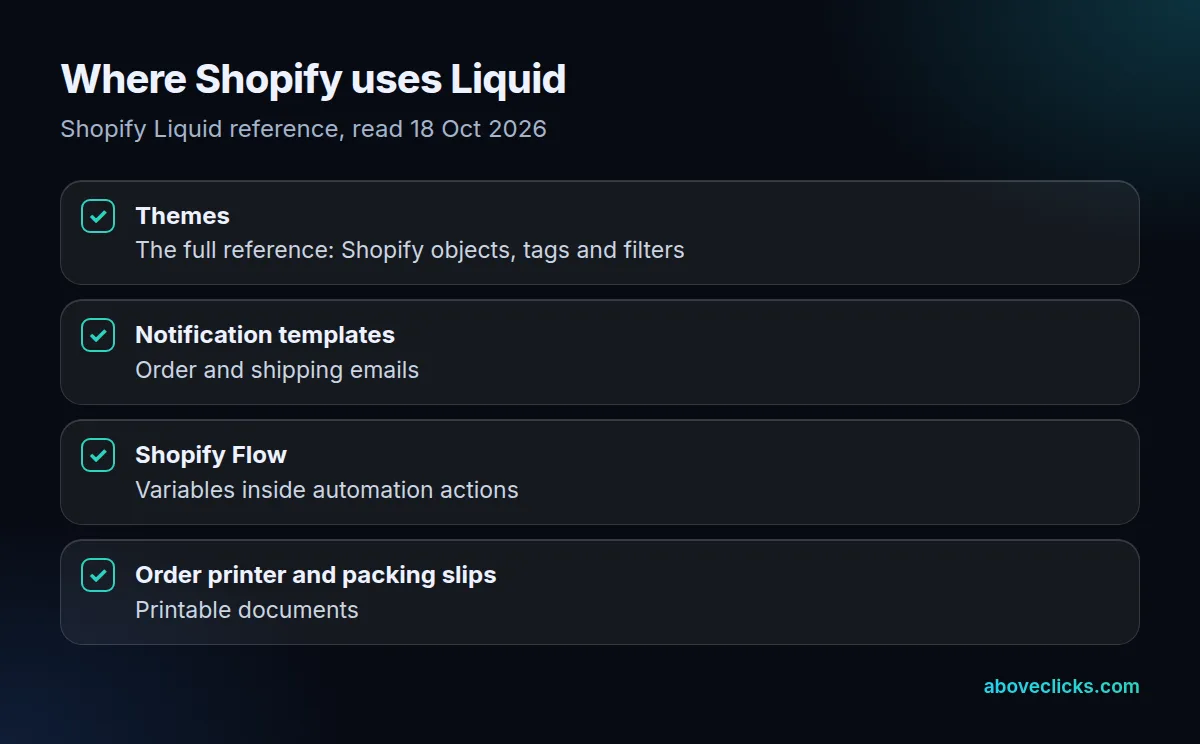
So the Liquid you learn for a theme mostly carries over to order emails and Shopify Flow. Business logic doesn’t belong in a template, though: discount rules that depend on the cart run as Shopify Functions, extra product data lives in metafields, and anything that must save data needs an app.
Should a store use a theme or go headless?
A theme, for most stores: it renders on Shopify, works with the theme editor and app blocks, and needs no hosting. Shopify suggests headless when your frontend stack doesn’t use its templates at all.

On 18 October 2026 we read the homepages of 40 stores; 37 answered. 25 rendered a theme and 4 ran Hydrogen, Shopify’s headless toolkit. Only 3 of those 25 themes reported a Theme Store ID. The 4 themes named Dawn carried none and reported versions from 7.0.0 to 15.4.1, so most are copies or forks frozen at the version they started from, and they miss fixes shipped since. Bringing a fork up to date means comparing its files with a fresh copy of the newer version and carrying the store’s own edits across by hand, which is why so many stores put it off for years.
Shopify’s headless overview warns that a headless storefront “costs more to build and run than a theme”. If you’re weighing it anyway, our Next.js development page covers that route. For theme work, our Shopify development team updates forked themes and adds the structured data they lack.